Explain a process
Write one or two spoken sentences for each visual stage, such as planting, watering and sprouting. Read aloud while watching a rough cut; move a scene boundary if the narration finishes too early or continues into the next step.
Video narration
A read aloud for youtube works best when the script, voice and on-screen action are planned together. Start with a short passage you have permission to use, then test how it sounds before building the edit around it.
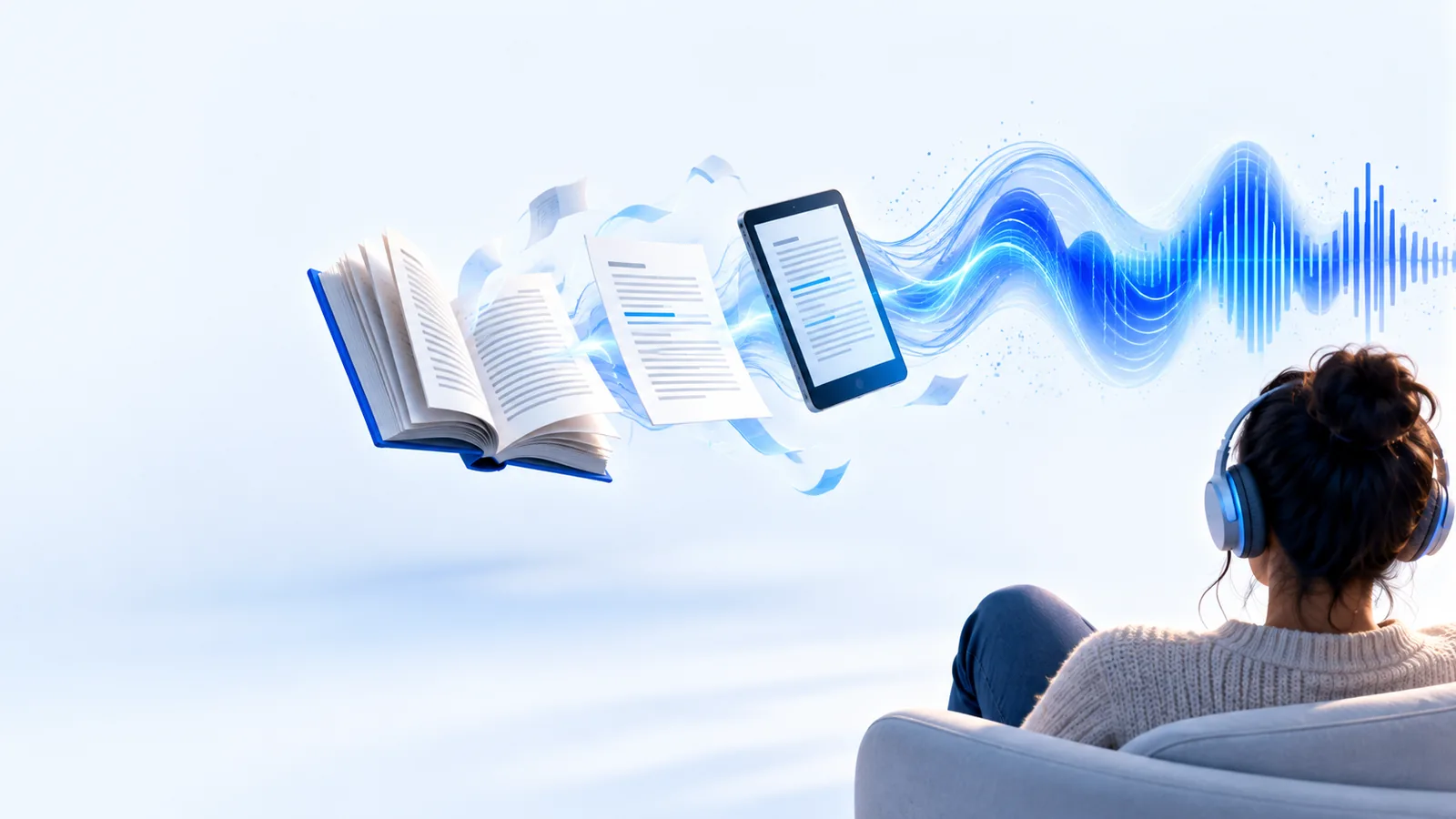
The channel challenge
A good passage is not automatically a good video script. Long sentences compete with captions, scene changes and the time viewers need to understand an image.
Compare a focused listening experience with a video that also asks viewers to follow visuals.
See a practical process for checking a passage by listening to it.
Find classroom-style passages that can inspire an original educational script.
Three workflows
These approaches start with different material, but each ends with a listening pass against the video timeline.
Write one or two spoken sentences for each visual stage, such as planting, watering and sprouting. Read aloud while watching a rough cut; move a scene boundary if the narration finishes too early or continues into the next step.
Divide an original story into scenes and put a breath or pause where the image changes. Try the voice against a still-image sequence first, then adjust sentence length before adding motion, captions or music.
Replace phrases such as 'click here' with words that name the visible action. Let the viewer see each action before the next instruction begins, and listen back for places where the spoken directions outrun the screen.
Example output
This illustrative rewrite shows what changes before recording. It is a writing example, not a claim about an automatically generated result.
Original passage
Plants need several conditions to begin growing.
Video narration draft
What does a seed need to grow? Start with water.
Original passage
Water reaches the seed and begins a process of change.
Video narration draft
Show water reaching the seed. Pause while the image settles.
Original passage
The seed also needs suitable warmth.
Video narration draft
Add the next line when the scene changes: warmth helps the process along.
Original passage
Several ideas can sit in one sentence.
Video narration draft
Give each important idea its own short line.
Original passage
The paragraph carries the full explanation.
Video narration draft
Use a brief label such as 'Water' rather than repeating every spoken word.
Original passage
The text can be reviewed silently.
Video narration draft
Read aloud with the rough cut and revise any line that ends after its visual.
Script to screen
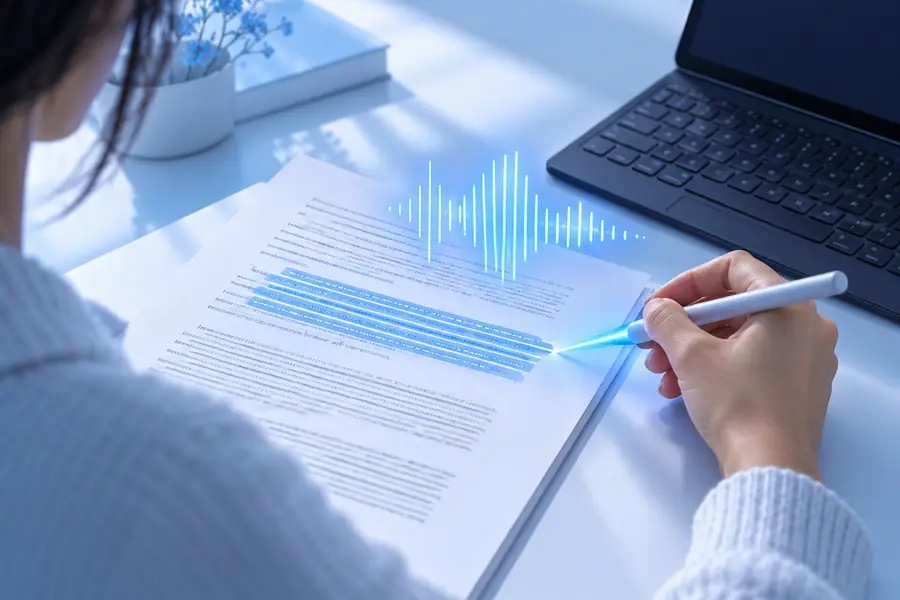
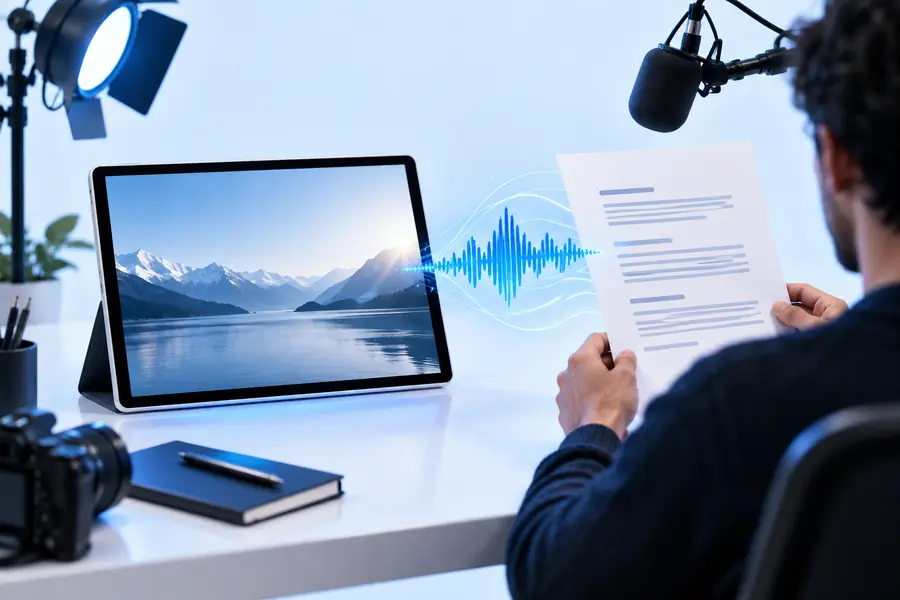
Treat these images as a workflow illustration, not a literal export preview. The useful before-and-after test is whether each spoken idea now has enough screen time and a matching visual. A voice that sounds clear on its own may still need shorter lines once the YouTube edit includes captions or music.
Publishing checks
Listening improves a draft, but it does not settle rights, accuracy or YouTube publishing requirements.
A book, article or another creator's script may be protected even if you can access its text. Adding visuals or a new voice does not automatically make a full reading permissible.
WorkaroundUse your own writing, obtain permission, or verify that the specific material and use are allowed.
A clear read aloud does not give you rights to the music, photographs or footage behind it. YouTube may apply its own copyright processes to a published video.
WorkaroundCheck the terms for every asset and keep records of licenses or permissions.
Names, technical terms and punctuation may sound different from what the writer intended. A script that looks concise can also feel rushed beside detailed visuals.
WorkaroundListen to the whole draft, check pronunciations and revise timing against the actual edit.
Planning narration is separate from assembling a video, reviewing its accessibility and submitting it to YouTube.
WorkaroundFinish the edit in your chosen video workflow and review captions, credits and settings before publishing.
Next step
Bring a short, rights-cleared passage and a description of the visuals you plan to use. Explore the available voice options, then make your final decisions by listening to the narration alongside your own video.
Scenario FAQ
You can plan a video about a book, but access to a book does not automatically permit you to publish a reading of its text. Check the rights for the particular work and the amount you intend to use; when in doubt, seek permission or write an original discussion instead.
Usually, concise labels are easier to follow than a screen full of duplicate narration. Captions serve a different purpose: review them for accuracy and readability so viewers can follow the spoken content.
Break the script at each planned scene change, then listen while playing a rough cut. If a line crosses into an unrelated shot, shorten the wording, adjust the pause or hold the visual longer.
Being publicly available online does not mean an article is available for unrestricted narration. Review its terms, seek permission where needed, or create an original summary rather than assuming a full reading is allowed.
Listen for pronunciation and pacing, then check that captions match the final audio. Confirm your rights to the text and other media, and review YouTube's current rules for the kind of video you are uploading.