A parent and child
Pick a familiar story with natural stopping points. Pause for a prediction or a question rather than trying to cover every page.
The session can end at a chapter break, even if the story continues another day.
read aloud for kidsTimed listening
A read aloud 15 minutes session starts with enough suitable text and a separate timer. You can speak the passage yourself or explore voice playback; either way, leave room for pauses and check where you stopped.
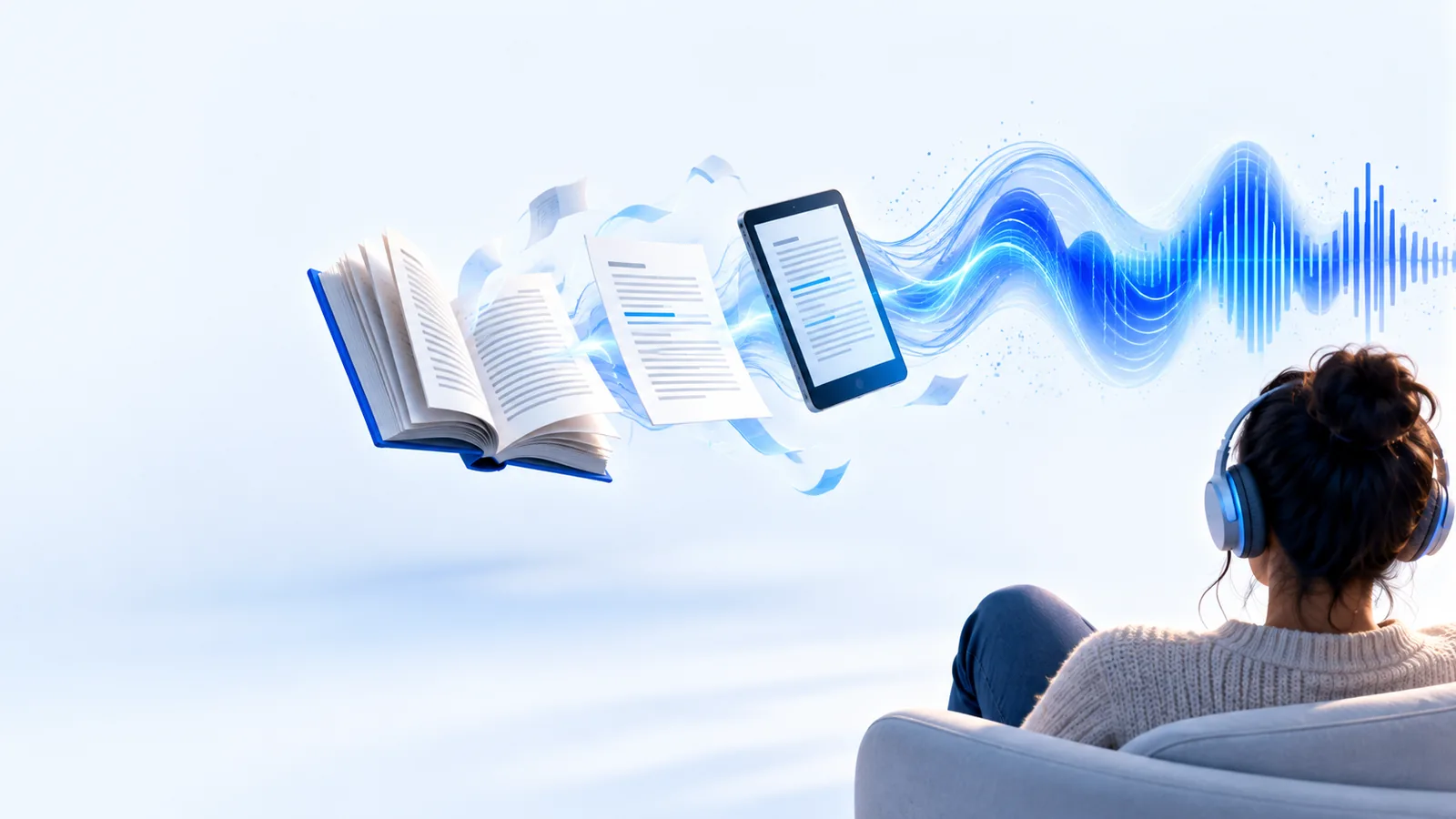
Choose a passage you can access, a quiet place to listen, and a way to track the time. These related guides help with the parts that vary by device and reading goal.
Compare a browser-based listening approach with reading the passage yourself.
Follow a basic voice-reader workflow before beginning a timed session.
Consider when hearing a passage may support understanding and when rereading matters more.
The right passage depends on who is listening. Select material that holds attention without turning the quarter-hour into a race to finish.
Pick a familiar story with natural stopping points. Pause for a prediction or a question rather than trying to cover every page.
The session can end at a chapter break, even if the story continues another day.
read aloud for kidsUse a short picture book and allow time to look at illustrations. Attention may shift before the timer ends.
Several brief stretches of reading can be more useful than forcing one uninterrupted stretch.
read aloud for preschoolChoose one section with a clear question in mind, then pause to explain its main point in your own words.
The goal is to recall an idea, not merely to reach the end of a page.
read aloud examples for studentsStart with a clean paragraph or article excerpt. Set aside tables and footnotes that need visual inspection.
You can listen for the main argument and return to complex details afterward.
what is read aloud for adultsTreat 15 minutes as the length of the activity, not a guarantee that a particular document will be completed.
Open the passage and identify a paragraph or section break near where you expect to finish. If you are using voice playback, check how the text sounds before starting the clock.
Begin reading or listening at a pace you can follow. Pause when a sentence needs another pass; a useful session does not require continuous speech.
When the timer ends, finish the current sentence. Note where to resume and state the main idea aloud or in a short note.
These illustrations show the shift from selecting text to following a spoken passage; they are not a promise of a timed playback control.
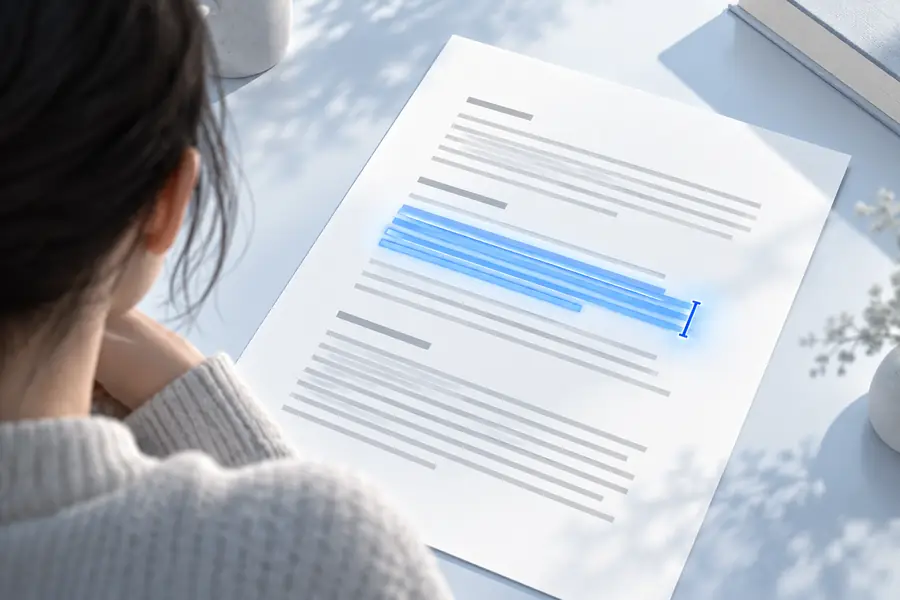
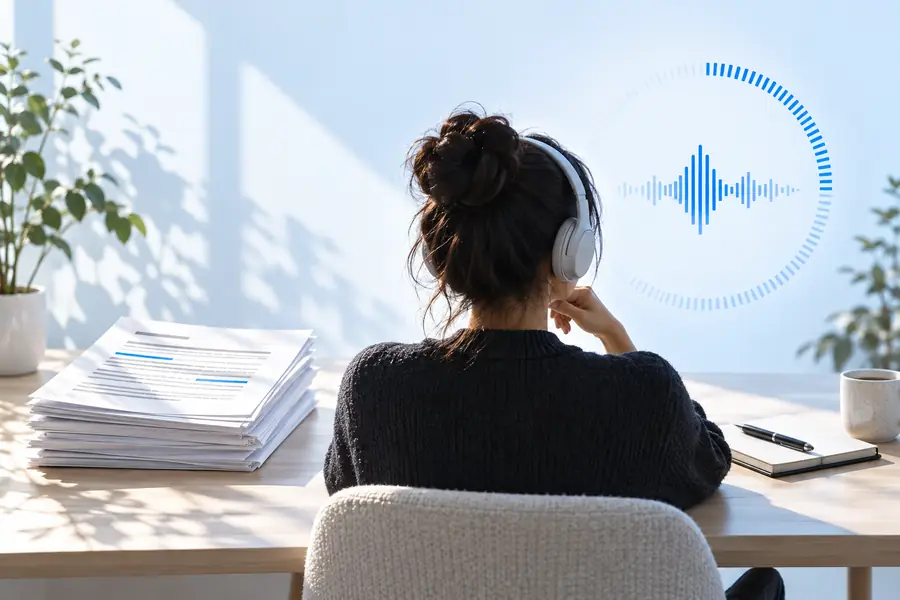
Keep your own timer visible or nearby. A passage may end before the quarter-hour is over, or continue past it.
Both approaches can fill a short session. Choose based on whether your priority is expression, hands-free listening, or control over difficult sentences.
Reading it yourself
Open the passage and begin speaking.
Using voice playback
Prepare readable text and check the available playback options.
Reading it yourself
Change speed naturally as you read.
Using voice playback
Pace depends on the voice tool and its available controls.
Reading it yourself
Emphasize words and adjust tone in the moment.
Using voice playback
Listen for emphasis that may differ from what the author intended.
Reading it yourself
You need to speak throughout.
Using voice playback
You may be able to listen while doing a low-attention task.
Reading it yourself
Pause to check a pronunciation or definition.
Using voice playback
Check questionable pronunciations against the written text.
Reading it yourself
Use a separate timer and stop at a sentence break.
Using voice playback
Use a separate timer unless your chosen tool explicitly provides one.
Reading it yourself
Summarize after a paragraph or at the end.
Using voice playback
Pause playback and summarize rather than listening passively.
A timed plan does not fix unsuitable text or remove the need to pay attention. Adjust the passage rather than insisting on uninterrupted playback.
Speaking rates, pauses, and passage lengths vary. Neither a page count nor a voice setting guarantees that text ends exactly at 15 minutes.
WorkaroundStop at the next sentence boundary and mark your place.
Tables, scanned pages, symbols, and footnotes can be awkward when heard as continuous narration.
WorkaroundInspect complex sections visually and use a simpler text passage for listening.
Hearing words for a quarter-hour does not prove that their meaning stuck.
WorkaroundPause to restate one important point, then revisit anything you cannot explain.
Pick text you want to hear, keep a separate timer handy, and pause whenever meaning matters more than pace. Explore Readaloud's voice-reading destination to see whether its available options fit your passage.
Choose a passage with more text than you expect to need, then set a separate timer. Read or listen at a comfortable pace and stop after the current sentence when the timer ends.
There is no fixed page count because font size, speaking pace, and pauses change the result. Start with a passage longer than your first estimate, and treat any unused text as a starting point for next time.
No. Brief pauses to clarify a word, discuss an idea, or regain attention can be part of the session. If you need to measure speaking time alone, pause your timer during those breaks.
Voice playback can let you listen to a prepared passage, but available controls depend on the tool you choose. Follow the written text when accuracy matters, and check unfamiliar names or technical terms rather than assuming every pronunciation is right.