Students
A student turns lecture notes or assigned readings into spoken material for a second pass during a walk.
For text-first documents, the related read aloud text pdf workflow can make a listening session easier to organize.
read aloud text pdfPDF listening
Read PDF aloud online free when dense pages are easier to follow by ear. Move from a document to spoken reading with a clear workflow and realistic expectations.


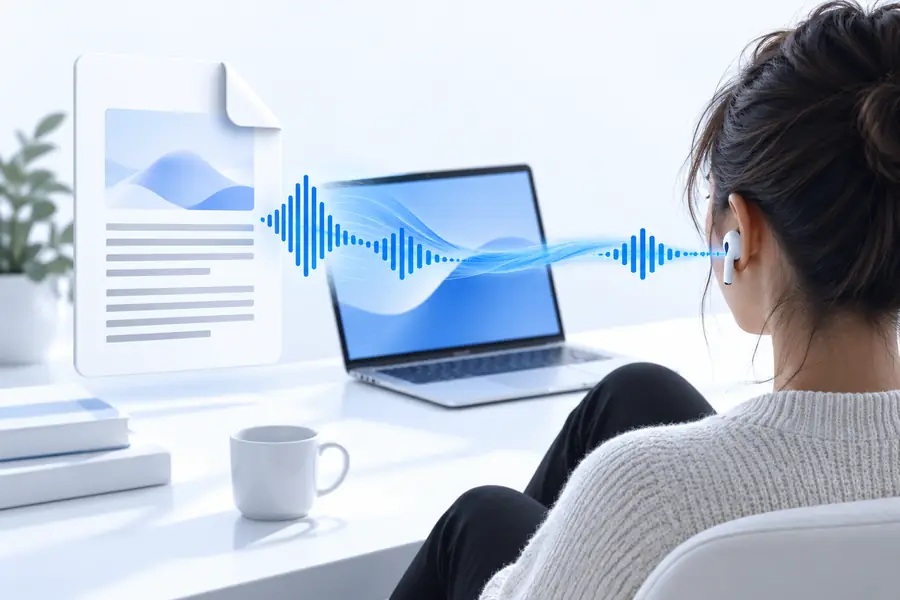
Format shift
This route pairs a fixed-layout PDF with spoken output, helping you listen while keeping the original document available for checking names, figures, and page structure.
Compare the source document with the listening workflow before relying on the result.
Useful paths
The same conversion can support different readers, from commuters reviewing notes to students revisiting assigned material away from a screen.
A student turns lecture notes or assigned readings into spoken material for a second pass during a walk.
For text-first documents, the related read aloud text pdf workflow can make a listening session easier to organize.
read aloud text pdfA learner listens to a document while following the original words and checking unfamiliar spelling or punctuation.
For Tamil passages, read aloud text tamil offers a more focused starting point for language-specific text.
read aloud text tamilA candidate reviews practice instructions and sample responses by ear before returning to the page for visual verification.
PTE-focused material may be easier to separate into short review passages through read aloud text pte.
read aloud text pteA professional listens to a report or policy draft while commuting, then returns to the PDF for exact wording and references.
The document remains the source of truth while spoken output provides another way to absorb the main text.
read aloud onlineWorkflow check
Use this side-by-side check to decide whether a PDF is a good candidate for spoken reading before you begin.
PDF source
Preserves pages, layout, figures, and citations
Spoken version
Presents readable text as a listening experience
PDF source
Checking exact wording, references, and visual structure
Spoken version
Reviewing paragraphs while away from the screen
PDF source
Keeps the original grid and column relationships
Spoken version
May flatten rows or make column order harder to follow
PDF source
Can display charts, diagrams, and scanned pages
Spoken version
Usually needs text alternatives or a separate visual review
PDF source
Uses pages, bookmarks, headings, and search when available
Spoken version
Uses playback order and pauses rather than page layout
PDF source
Reference copy for names, numbers, and formatting
Spoken version
Convenient draft for listening, not a replacement for checking
Prompt examples
These example prompts show how to describe the listening result you want while keeping the original document available for verification.
 Study
1
Study
1
Read this PDF aloud in a calm, clear voice, preserving headings and pausing briefly between sections.
 Report
2
Report
2
Turn this report into spoken reading with natural paragraph pauses and careful pronunciation of names and numbers.
 Focus
3
Focus
3
Read the main text of this PDF aloud and skip repeated headers, footers, and page numbers where possible.
Adapt each prompt by naming the sections, pauses, pronunciation, or page elements that matter most.
Format evolution
PDF listening sits at the intersection of document design, text extraction, and voice playback. Each stage solves a different part of the reading problem.
PDF became a practical way to preserve page appearance across computers, printers, and archives.
Readers gained better access to selectable text, search, bookmarks, and document-level navigation.
Built-in speech tools made it easier to hear selected text without leaving the reading environment.
People increasingly combine PDF review, extracted text, and spoken playback instead of treating reading as screen-only work.
Know the limits
Spoken output is useful, but a PDF can contain structure that audio alone cannot fully represent.
Charts, diagrams, scanned pages, and decorative layouts may not translate into a complete spoken description.
WorkaroundKeep the PDF open and inspect visual elements separately.
Multi-column pages, sidebars, footnotes, and text boxes can be extracted in an unexpected sequence.
WorkaroundTest a short passage before listening to the full document.
Names, citations, figures, formulas, and technical terms still need comparison with the original page.
WorkaroundUse the PDF as the reference copy when accuracy matters.
Password protection, image-only scans, damaged files, or unusual fonts may limit usable text.
WorkaroundTry an accessible export or provide selectable text when available.
Start listening
Describe the document and the reading style you want, then keep the original PDF nearby for visual checks. A focused prompt makes the handoff clearer without hiding the format’s limitations.
Variant FAQ
It means using an online reading workflow to turn the text in a PDF into spoken output without treating the audio as a replacement for the source file. The PDF remains useful for checking layout, references, tables, and exact wording.
No. Selectable-text PDFs are usually better candidates than image-only scans, protected files, or documents with complex multi-column layouts. A short test can reveal whether the reading order and text extraction are usable.
Not always. Tables may be flattened into an unclear sequence, while charts and images may require separate visual inspection or descriptive text. Keep the original PDF open when those elements carry important meaning.
It can support review, repetition, and hands-free listening, but accuracy should be checked against the document for names, numbers, formulas, citations, and technical language. Treat the spoken version as a listening aid rather than the authoritative copy.