ra Readaloud

Listening options

Want to read aloud for free? Check your options

If you want text spoken back to you, begin with a short passage and check what the reader actually offers. Voice playback, access conditions, and supported inputs can differ, so test your own material before planning a longer session.

Free to start · no signup
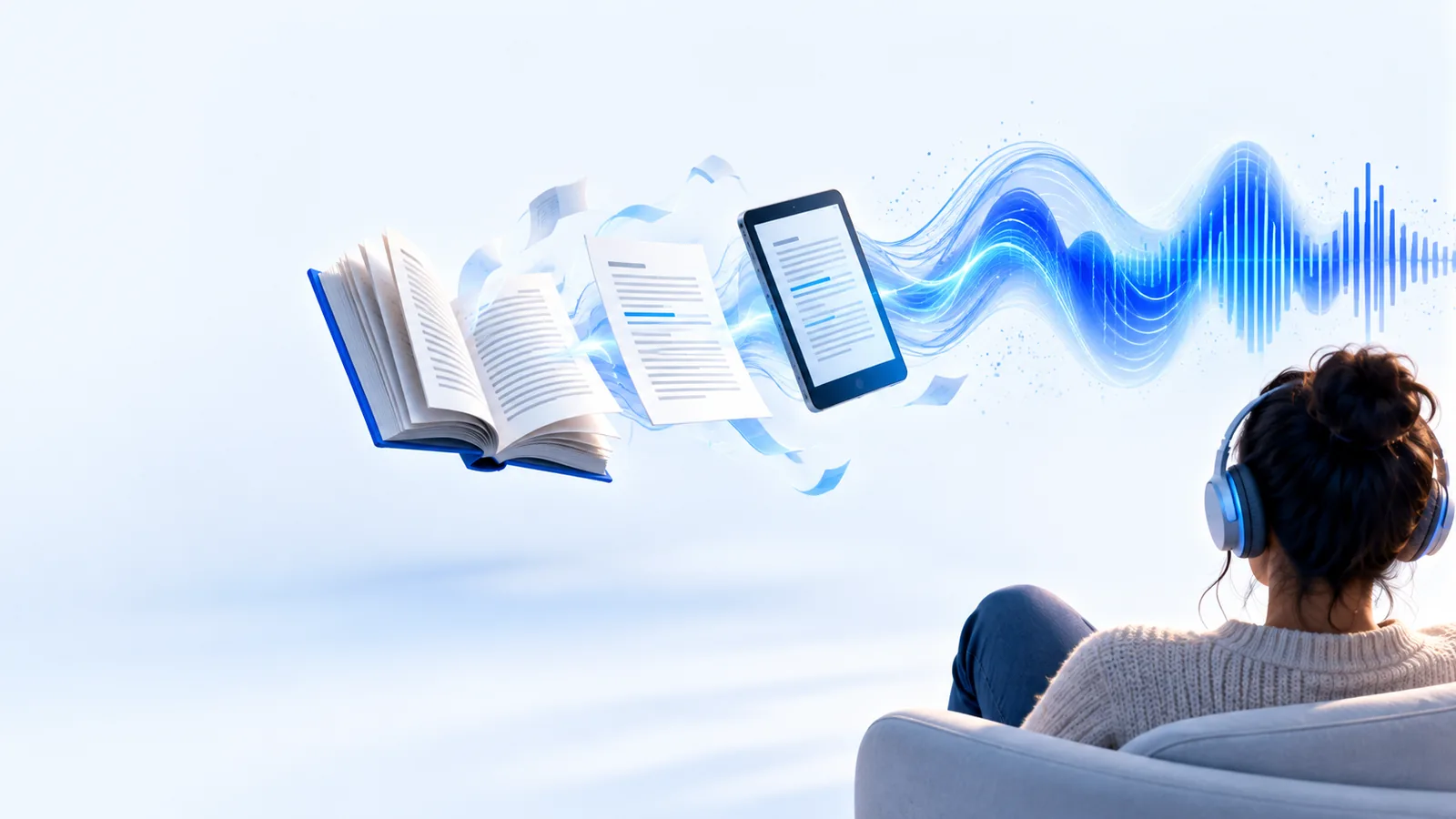
Readaloud listening scene

Three useful checks

Match the reader to the person and the passage

The same voice option can be useful for one task and awkward for another. Check how text enters the reader, whether speech is understandable, and whether the session fits your access needs.

Student reviewing notes

Paste one paragraph of study notes and listen while following the words on screen.

This can expose missing words or sentences that sound unclear; the guide on read aloud examples for students offers more study situations.

read aloud examples for students
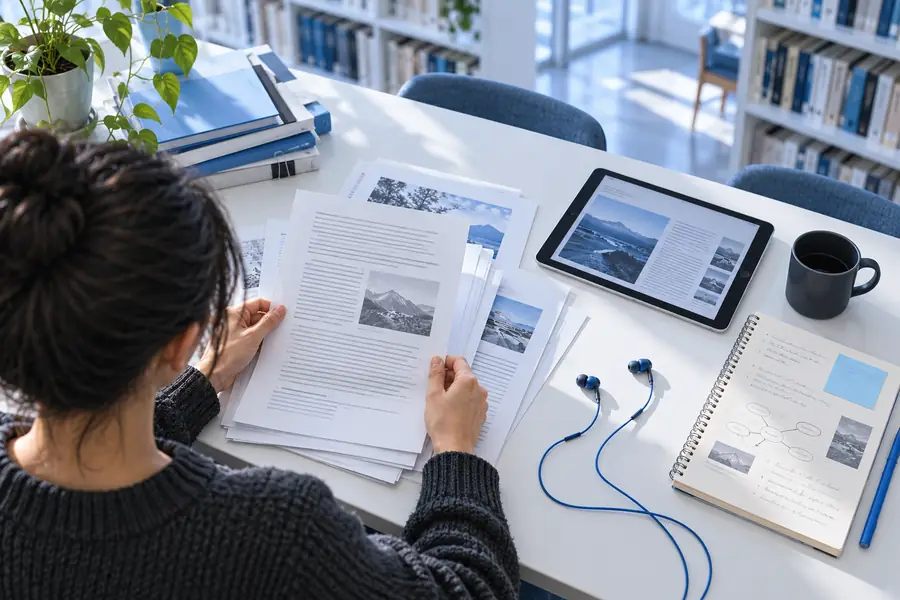

Commuter with an article

Try a short excerpt before expecting an entire article to play without interruption.

A browser-oriented guide can help you decide where to begin with read aloud online.

read aloud online

Parent sharing a story

Listen to a sample and decide whether its pace suits the child and the story.

For shared listening rather than unattended playback, explore read aloud for kids.

read aloud for kids

Reader working from a PDF

Check whether the document contains selectable text before seeking voice playback.

If copying fails, the guide to read aloud text pdf explains why the file itself may be the obstacle.

read aloud text pdf

Test a passage before committing to a session

Treat the first playback as a trial of both the text and the access conditions, not as proof that every document will work the same way.

Choose readable text

Start with a paragraph you can select and copy. Remove stray page numbers, broken line endings, or navigation labels if they interrupt the sentence.

Try voice playback

Submit the passage and listen for skipped words, awkward pauses, and names pronounced incorrectly. Adjust the source text if punctuation would make the meaning clearer.

Check before going longer

Look at any stated access terms, passage limits, and available controls on the destination you use. Test the next section separately if the material is important.

Know where access and playback can fall short

This page cannot establish that a particular destination offers unrestricted listening. Check its current terms and test the exact material you intend to hear.

No blanket access guarantee

Availability and conditions can change. A working short sample does not establish that longer passages or repeated sessions have the same access.

WorkaroundReview the destination's current terms before depending on it.

Scanned pages may not be readable

A PDF that is only an image may contain no selectable words for a voice reader to process.

WorkaroundUse a text-based copy or extract the text with a separate recognition tool first.

Pronunciation needs checking

Names, abbreviations, formulas, and unusual formatting may sound different from how you expect.

WorkaroundListen to a short sample and edit the source text where clarity matters.

Not a substitute for shared reading

Automated playback cannot tell when a listener needs an explanation, a question, or a slower discussion.

WorkaroundPause and talk through important passages with the listener.

A cleaner passage is easier to follow

Preparation can matter as much as the voice. Removing copied menus and stray line breaks gives a reader a clearer sequence of sentences.

Unprepared document

Illustration of a document before its text is prepared for listening
Illustration of a passage arranged for voice playback
Prepared passage

Illustrative workflow, not a claim that either pictured interface or file type is supported by the destination.

Choose between reading the page and hearing the text

Neither approach wins every time. Voice playback may help you revisit prose while doing something else, but visual reading remains useful when layout and exact symbols matter.

Reading on screen Voice playback, when available
1

Getting started

Reading on screen

Open the text and begin reading.

Voice playback, when available

Prepare a passage and test the reader.

2

Hands and eyes

Reading on screen

Requires attention to the page.

Voice playback, when available

Lets you listen without continuously watching the words.

3

Tables and formulas

Reading on screen

Preserves visible structure.

Voice playback, when available

May lose relationships that depend on layout.

4

Unfamiliar names

Reading on screen

You choose how to interpret them.

Voice playback, when available

Pronunciation may need verification.

5

Copyable text

Reading on screen

Not required if the page is legible.

Voice playback, when available

Often important when supplying a passage.

6

Access conditions

Reading on screen

Depend on access to the source.

Voice playback, when available

Also depend on the reader's current terms.

Try your own passage

Hear a short sample before making plans

If your goal is to read aloud for free, test the text you actually have and confirm the destination's current access terms. Begin with a short, copyable passage; then judge the pronunciation and pacing for yourself.

  • Start with a short passage
  • Check the spoken result
  • Review current access terms

Questions about listening without paying

Some devices and services offer voice playback without a separate charge, but availability depends on the option you choose. Check the current terms of the destination before assuming a particular session is included.

Use a short paragraph with punctuation, a name, and a sentence you know well. Listen for omissions and awkward pauses, then check whether the available controls suit your needs.

That depends on both the option's access conditions and whether the PDF contains readable text. Image-only scans often need text recognition before a reader can speak their contents.

Copied text may contain line breaks, headers, or symbols that interrupt the sentence. Clean a small excerpt and try it again before concluding that the voice itself is the problem.

Start listening
Start listening