1
Reading order
On the PDF page
Columns and sidebars have visual positions.
In a spoken passage
Extracted words may run together or play out of order.
PDF listening guide
A read aloud text pdf workflow works best when you can select the words before sending them to a voice tool. Start with a short passage, then compare what you hear with the page.


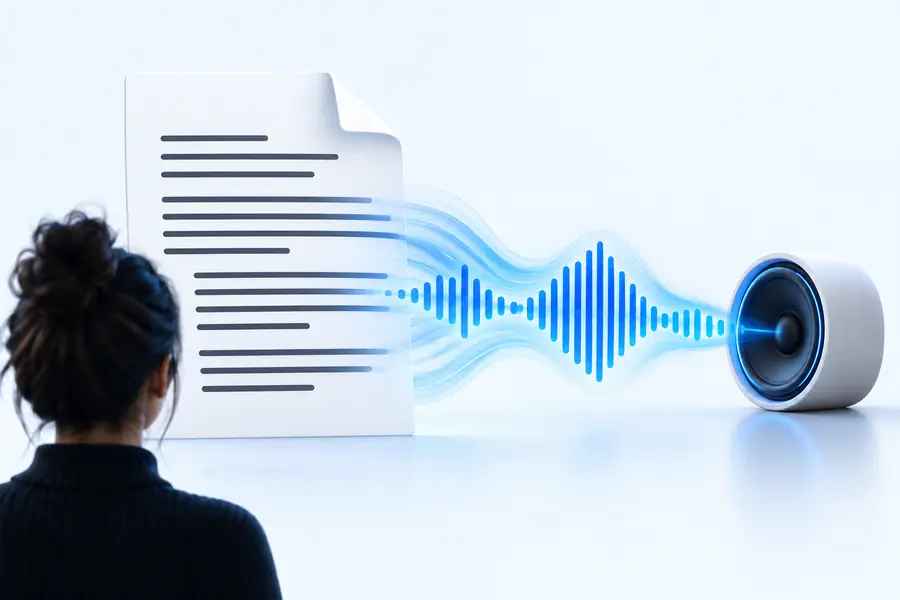
The same words can be harder to follow when columns, captions, and page breaks become one continuous stream.
These illustrations compare reading formats, not a verified conversion of the pictured document.
A PDF stores a page for viewing; a voice reader needs words in a sensible order. Check the structure before trusting the audio.
On the PDF page
Columns and sidebars have visual positions.
In a spoken passage
Extracted words may run together or play out of order.
On the PDF page
Size and spacing mark a new section.
In a spoken passage
A heading may sound like another sentence.
On the PDF page
Rows and columns show which values belong together.
In a spoken passage
Values can lose their labels when read in sequence.
On the PDF page
Markers connect notes to specific claims.
In a spoken passage
Notes may interrupt the main passage or disappear.
On the PDF page
Diagrams carry information beyond nearby text.
In a spoken passage
Only available text or descriptions can be voiced.
On the PDF page
Words may be part of an image rather than selectable text.
In a spoken passage
Text recognition is needed before those words can be read.
Select a passage in the PDF first. If selection fails, obtain usable text through a text-recognition step before trying a voice reader.
You have a selectable article and want to listen while checking citations on the page.
Copy one section at a time so footnotes and references do not unexpectedly interrupt the main argument. For questions about browser-based access, see read pdf aloud online free.
read pdf aloud online freeYour document includes Tamil text, possibly alongside English terms.
Check that the extracted characters are correct before listening, then assess the available language and voice options. The language-specific considerations are covered in read aloud text tamil.
read aloud text tamilYou are using a PDF passage to prepare for a spoken reading task.
Keep the passage separate from instructions and answer keys, then use listening as a pronunciation reference rather than a score. See read aloud text pte for task-focused practice.
read aloud text pteYou want to review a report away from the screen.
Prepare short sections with their headings attached, and leave dense tables for a visual review. If the report is a scanned PDF, check text recognition before attempting playback.
read pdf aloud online freeThese illustrative listening scenarios show why the input you select matters more than the PDF filename.
 Article
 Report
 Study notes
A quick comparison with the original catches errors that a fluent-sounding voice can hide.
Select a short section and compare it with the PDF. Look for missing characters, merged columns, stray headers, and recognition errors.
Play the prepared passage and follow its first few sentences visually. Stop if a caption, footnote, or table value appears in the wrong place.
Correct the source passage, split it into smaller sections if needed, and replay the affected part. Recheck names, numbers, and abbreviations before relying on it.
Start with selectable text from your PDF and keep the page available for diagrams, tables, and citations. Open Readaloud’s voice destination to explore the options available for your passage.
Not necessarily. A PDF with selectable text can provide words to copy or extract, while a scanned page may contain only an image of words. A scan needs text recognition before you can reliably prepare a passage for speech.
The visual positions of columns, sidebars, captions, and footnotes do not always translate into a clear text sequence. Compare the extracted passage with the page and separate sections that have been mixed together before listening again.
Do not assume it will. Reading available text does not automatically convey how a chart looks or which table value belongs to which row. Review those elements visually or prepare an accurate written description.
Check the passage against the source for omitted lines, recognition mistakes, misplaced notes, names, and numbers. Listening can support review, but keep the original PDF nearby when precise wording or layout matters.